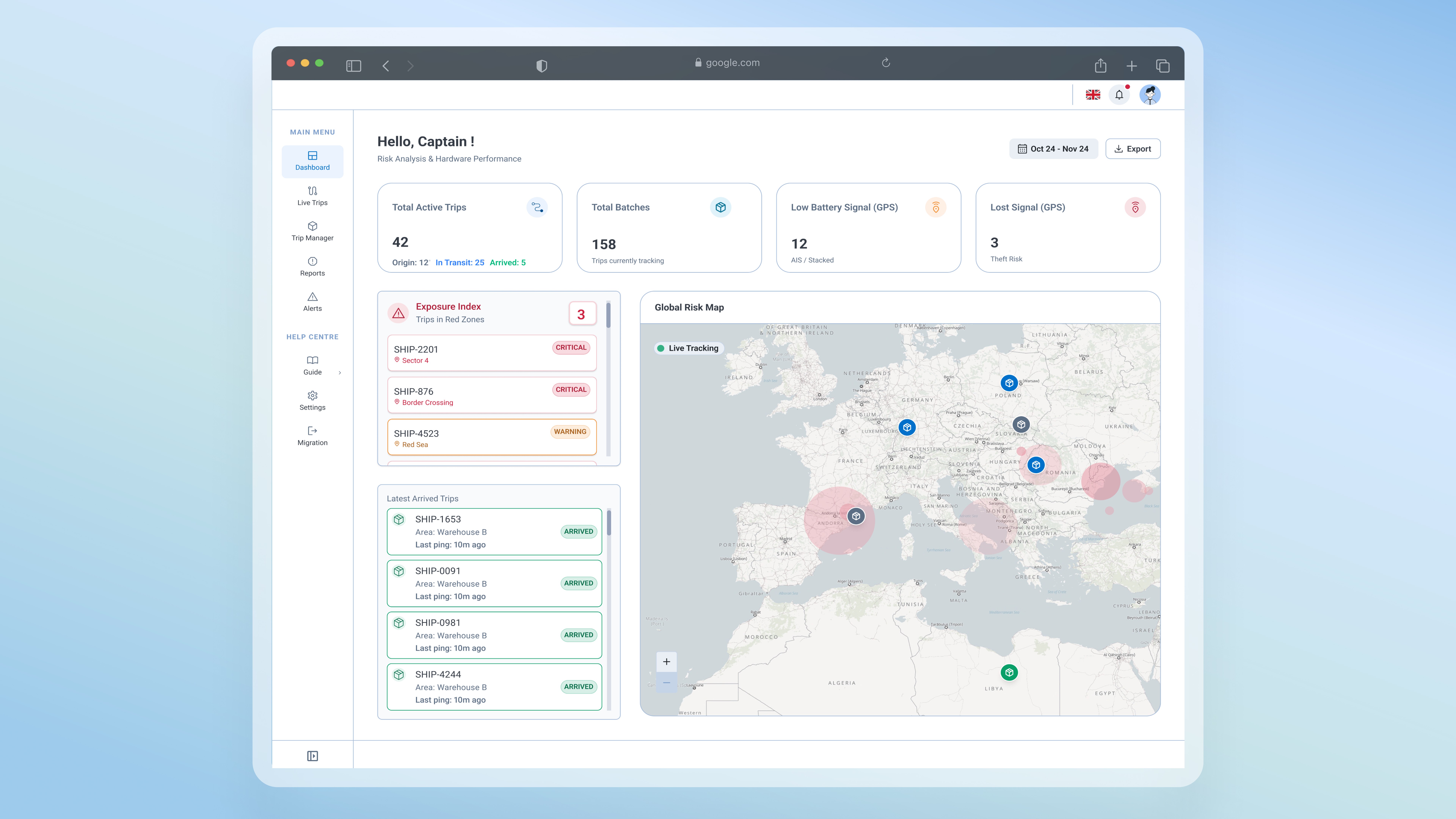
Design System
2025
The token bridge: migrating a GIS design system without rebuilding it

Overview
I led the migration strategy for a suite of SaaS products, moving from a partially documented legacy GIS system to a MUI design system. I audited the system, defined the roadmap, aligned senior stakeholders, and built a bridge to keep maps functional through the transition.
Problem area
A legacy system no one fully understood, and a migration that threatened to break everything
When I joined, engineering had already decided to migrate from the legacy GIS system to MUI. The reasoning was sound: better documentation, an active community, modern components. But the cost of leaving hadn’t been mapped.
The old system carried three problems the team lived with daily. Components were half-documented, so developers reverse engineered behaviour every time they reused one. Nothing was coded, so every sprint rebuilt from scratch. And no one knew what existed, what was redundant, or what was critical with no MUI equivalent. The migration fixed documentation. But it broke something else: every product was map-centric, and MUI had no mapping components. Moving forward without a fix meant breaking live products.
Solutions
Phase 1: Making the invisible visible: auditing a system nobody fully understood
GIS DS- What we lost
Map specific components built in, popups, toolbars, coordinate picker, designed for GIS
Poor documentation, no coded implementatons, forcing developers to reverse engineer
Constant custom CSS, every sprint meant rebuilding components from scratch
MUI DS - What we gained
Excellent documentation, coded components, active community support
Modern MUI components, buttons, forms, navigation all work out of the box, for faster development
Zero mapping components, new DS is generic, does not include GIS specific patterns.

Same native popup, same behavior. The only change is MUI tokens applied through the override surface.
Phase 2: A practical bridge, not a perfect solution
With the roadmap approved, one question remained: 'what to do about the mapping components?'
Rebuilding them in MUI would take months. So I proposed a bridge. A small library of HTML and CSS mapping components, built on the same MUI tokens, embeddable straight into the legacy system. Not a permanent fix.
The legacy structure has limits, and complex cases still need engineering. But it moved the team from months of custom work per component to a reusable, token-aligned start. Three components have shipped, reused across multiple products in the suite.
01
Manual & Automated Visual Audit
I audited the full component library by hand, then brought in AI to speed up the style comparison between GIS and MUI. Every gap in padding, radius, color, and type went into a checklist. That checklist became the migration backlog: nothing entered the roadmap without appearing there first.
Style gap checklist: padding, radius, color, type

Every gap in padding, radius, color, and type logged once. This checklist became the migration backlog.
02
Visual Governance
I rebuilt the mapping components in Figma on MUI semantic tokens, so every value traces back to the core app instead of a local style. Each component carries full variant coverage for its states. One source of truth for designers, mappers, and developers.
MUI design tokens and variants to redesign mapping components
Mapping components rebuilt on MUI semantic tokens, every value traces to the core app
03
The Token Bridge
I used AI to translate the Figma specs into clean native HTML with the tokens already applied, then handed it to mappers to embed directly into GIS. No developer in the loop. Engineering steps in only when something breaks.
AI Assisted design system
Engineering left the styling loop. Mappers apply the design system themselves, developers step in only when something breaks.
Success Metrics
A migration strategy that gave the team direction, and a bridge solution that reduced engineering effort
3 HTML components shipped
Map components built and reused across multiple products, with developer support for implementation.
Next steps
Work in Progress
Machine-readable DS & Governance
Helping the design team ship code directly by testing the DS and migrating it into a machine-readable DS. We ran multiple tests to understand why the same prompt generated different results. The test concluded that the token names and documentation were not built for machines to understand. Token naming has to be aligned with the LLM system to help it better read our documentation and JSON files.
Second UI Library: Mapping Components
Building Figma UI library as an extention to the main design system, with production ready HTML.
Machine readable design system
Enable rapid prototyping for LLM by converting current documentation into machine readable JSON.