App Design
Drive Mode
VR / XR
2026
One design system, three contexts: From mobile-first audit to Drive Mode and XR expansion
Overview
After auditing a broken field mapping app and redesigning its mobile UI, I identified a deeper problem; the design system had never been built for how the app is actually used. I expanded the existing DS across three platforms standard mobile, Drive Mode, and XR using AI assisted generation and industry standards from NHTSA, Apple HIG, and OpenXR. This is a self-initiated proposal built to engineering handoff standard, currently in review for production adoption.
Where this Started
This work did not begin with a design system. It began with a broken app
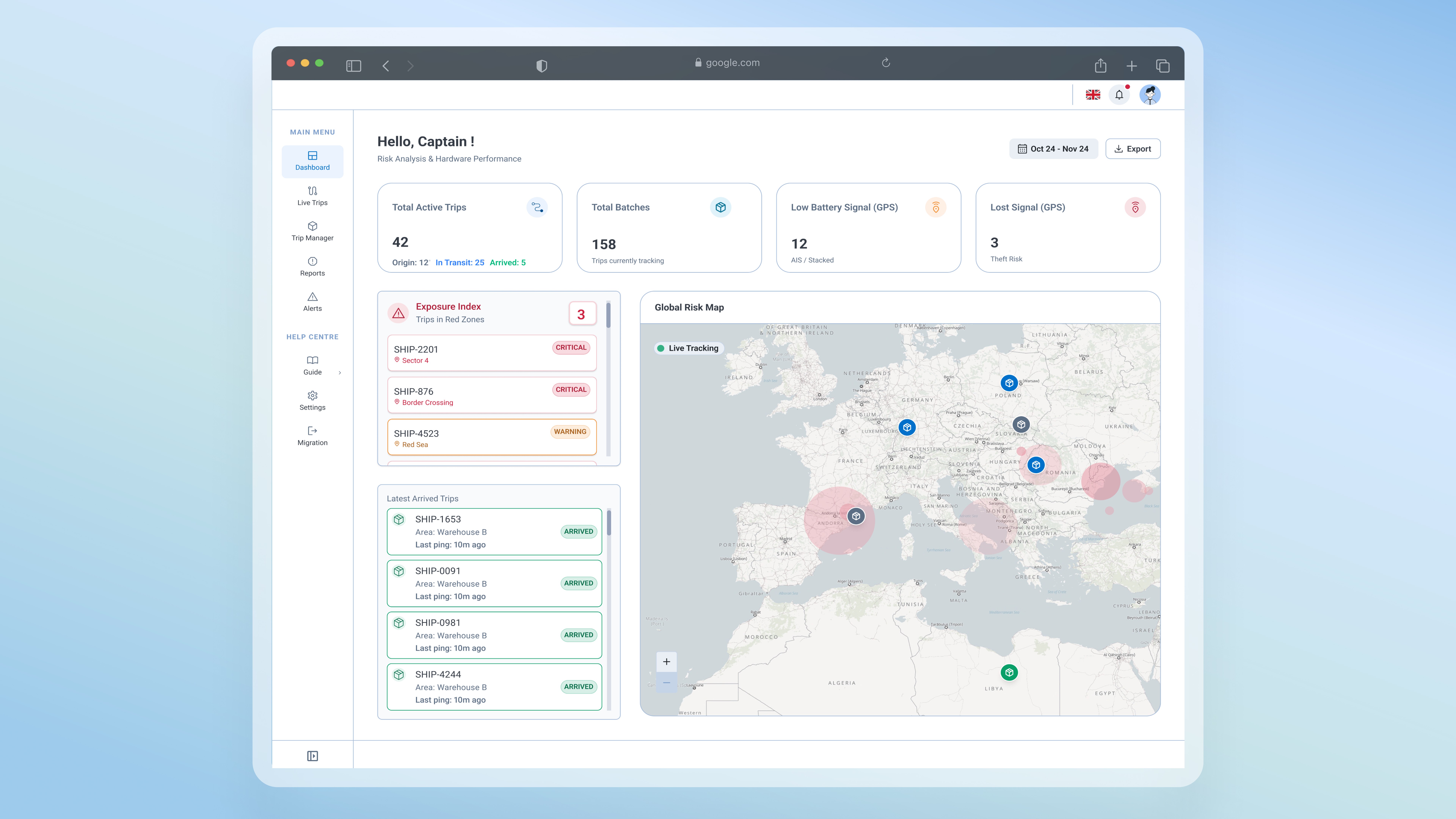
After auditing the field mapping application and redesigning its mobile UI fixing hidden tools, broken reporting flows, and interactions that failed in field conditions a deeper problem became clear. The app had been fixed for standard mobile use. But the design system underneath it had never been built for the contexts this app actually operates in. Field teams use this tool in moving vehicles, in low visibility environments, and soon through XR headsets. No standards existed for any of those contexts. Fixing the UI was the right first move. Building the system for how the app is actually used was the necessary next one
Problem Area
One design system, 3 different context
The real problem wasn't the app's UI. It was the system underneath it built for a desktop context, never designed for how, where, or under what conditions field teams actually use it.
Audit & Results
An UI audit that turned into a System fix
The audit confirmed the UI failures were symptoms of a missing foundation. Patching individual screens would not hold. The decision was to fix the system extending the existing DS rather than forking a new one, so all platforms could stay in sync.
What the app assumed
User is seated, stationary, with full attention on the screen
User has time to explore menus and learn custom interaction patterns
Long press and multi-step gestures are reliable inputs
Users are coming to this app fresh, and searching for tool, and reading user guides
What the field looked like
Users in moving vehicles, with divided attention
Zero tolerance for learning decisions made in seconds, not minutes
Physical movement makes precision gestures unreliable
Need for fast decisions, accessible tools.
The DS Expansion
Expanding the design system across three platforms
Starting from scratch wasn't the right move. The goal was to extend what existed without breaking it preserving all token connections and variable bindings so engineering could implement consistently without a parallel codebase
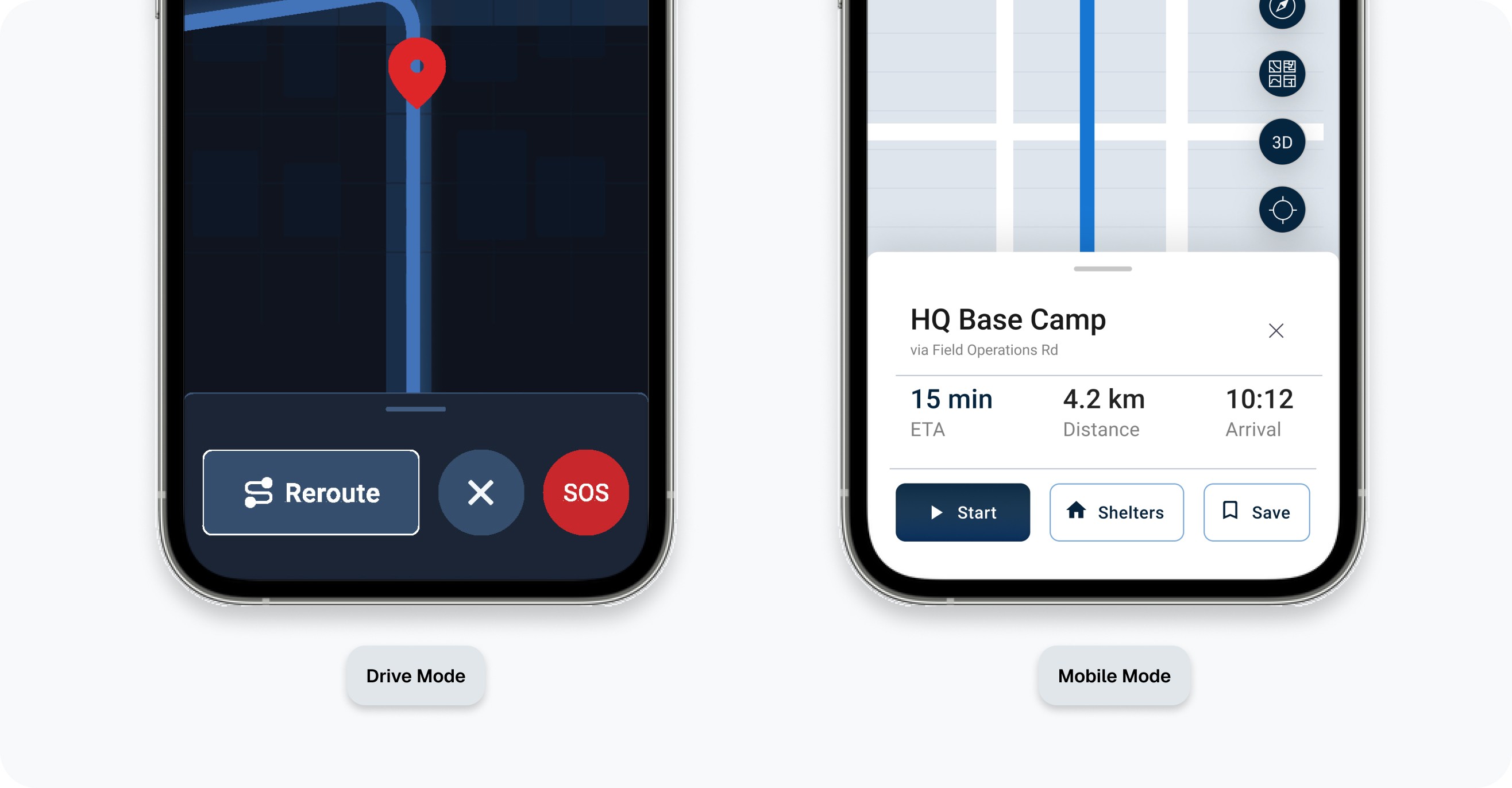
Steps by step building the DS
AI-Assisted generation
I used Claude (Anthropic) with Figma MCP to programmatically generate the expanded component library cloning from originals rather than duplicating, to preserve all variable bindings and design token inheritance.
The expansion was created with consideration of the best practices for drive mode and XR, after searching full guides and requirements from NHTSA, Apple HIG, and OpenXR.
01
Platform standards research
Mapped best practices from NHTSA, Apple HIG, and OpenXR requirements to concrete sizing and interaction rules. These became hard constraints non-negotiable minimums that every component had to meet before anything was generated.
Standards defined before any component was touched
02
Component Auditing
Not every component needed rethinking equally. I audited our apps to identify components used in interaction criticality for high stress, non-seated environments.
7 component groups prioritised
03
AI - Programmatic generation via Figma Plugin
The AI created components cloning from the originals not duplicated to preserve all variable bindings and design token connections.
Six new platform specific pages were generated across mobile, Drive Mode and VR/XR. 1,512 new variants total.
04
Auditing & Testing the new Components
Multiple violations appeared through the audit. The main problem was the Drive Mode, where the AI restyled the components (colours) to follow the NHTSA best practices, but did not create the variables inside the figma file and so the critical tokens violations where created.
8 structural bugs caught · 10+ manual fixes for tokens and variables
05
Documentation on every page
All 9 platform pages include documentation headers and spec tables. Any engineer or designer picking up this file can understand the sizing rationale, the platform standard it references, and how to implement it without needing to ask.
9 pages documented · engineering-handoff ready
The Results
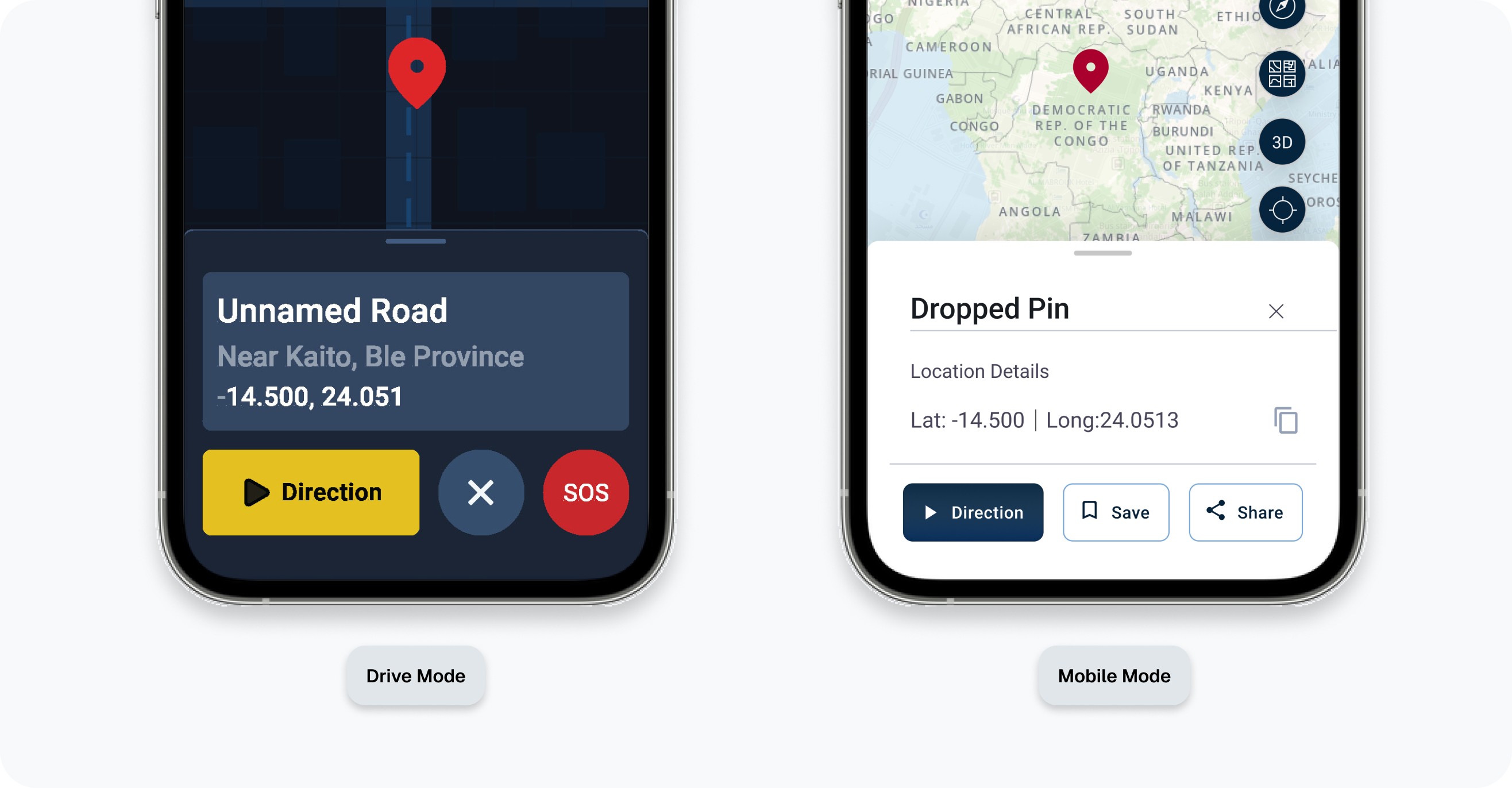
One UI design library, 3 different context
Standard mobile
Users on foot. Seated or standing. Standard cognitive load.
Context 01
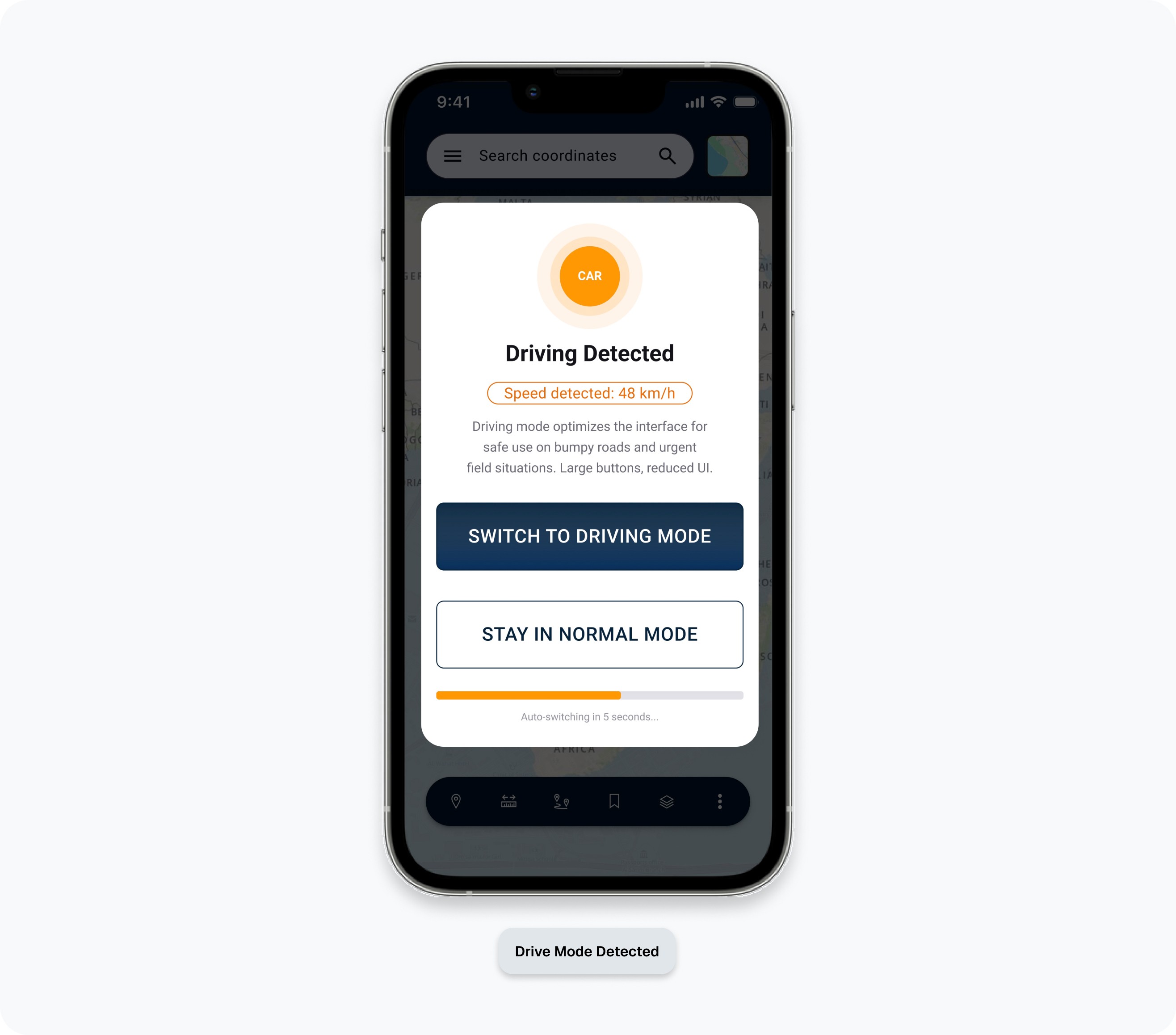
Drive mode
Users in moving vehicles. Vibration, divided attention, physical and cognitive stress. use NHTSA mandates.
Context 02
VR / XR
Headset use. Spatial interfaces, gaze and gesture input no physical touch surface.
Context 03
AI Challenges & Failure
The bugs manual review missed
While AI accelerated the generation of components, following correct sizing, accurate variants and states to the original design system; it introduced technical debts of disconnected tokens that would break the design in production. However, after running multiple manual and programmatic audits to the new generated components, I refactored the system manually and fixed the errors generated.
Error & fixes examples
Problems found
Low Contrast Glare Risk: White on orange text created a luminance ratio below 3:1, risking "wash out" in sunlight.
Issue
Inaccessible Tokens: The AI changed the colour on the variant and did not generate a new mode.
Issue
Alerts Overload: Alerts contained 10+ words, violating the "2 Second Glanceability" safety rule.
Issue
Fix applied
Shifted to a 7:1 contrast ratio using high luminance accent borders and dark neutral backgrounds.
Fix
Created a new Mode within the variables and manually updated the size and style variants.
Fix
All active drive notifications to 3 word "Status Tokens" (e.g., "DANGER: CLOSED").
Fix
Success Metrics